

Thermal Grizzly is pleased to announce the official launch of the first public software suite for the GPU power monitoring tool WireView Pro II, as well as the release of the first official firmware update. Both the software and the firmware update are optional. However, when used together, they enable full functionality of the WireView Pro II, including data logging and device configuration via PC.
The software primarily allows additional functions to be configured on the WireView Pro II:
- Access to logged data
- Fine-tuning of settings
- Setting the display start page
The first official software and firmware version was released following the completion of a beta testing phase, during which several initial issues were resolved. Should users nevertheless encounter any problems, we kindly ask them to contact us via our official Discord server, our subreddit page, or the support form on our website. To stay informed about new software updates, we recommend subscribing to the newsletter.
Software 1.0.5
With the newly released portable software, users can connect the WireView Pro II directly to their PC by plugging the device into the motherboard using the included USB cable and launching the software. Once connected, the WireView Pro II can transmit data in real time directly to the PC and allows convenient configuration of device settings via the software interface. The software includes all core functions that are also available through the device firmware and, in addition, offers extended configuration options as well as more granular adjustment settings compared to controlling the device exclusively via the unit itself.
The latest version of the software for the WireView Pro II can be downloaded via the following link:
Main features of the software:
- Full Operating System Integration: Access and management of all supported functions of the WireView Pro II directly through the software, including per-pin current distribution limits.
- Advanced Configuration Options: Additional settings and more precise adjustment of values compared to the capabilities of the device firmware alone.
- Data Logging and Export: Recording and exporting of power and temperature data for long-term analysis, ideal for evaluating graphics card power consumption and current distribution via the 12V-2x6 connector.
The software is currently available for Windows operating systems; integration for Linux is currently under development and is planned for release in a future update. Use of the software is entirely optional. The WireView Pro II continues to operate independently, with all essential measurement values and functions displayed and managed via the integrated screen.
During operation, the software does not need to be running, as all functions are controlled on the hardware side by the WireView Pro II. The software only needs to be launched if the start screen on the WireView Pro II is to be changed. Before using a new software version, all previously downloaded versions should be deleted. After downloading, the compressed folder must be extracted in order to launch the software via the WireView2 application. The software is executed only and is not installed.
Software overview:
The software provides the following five views:
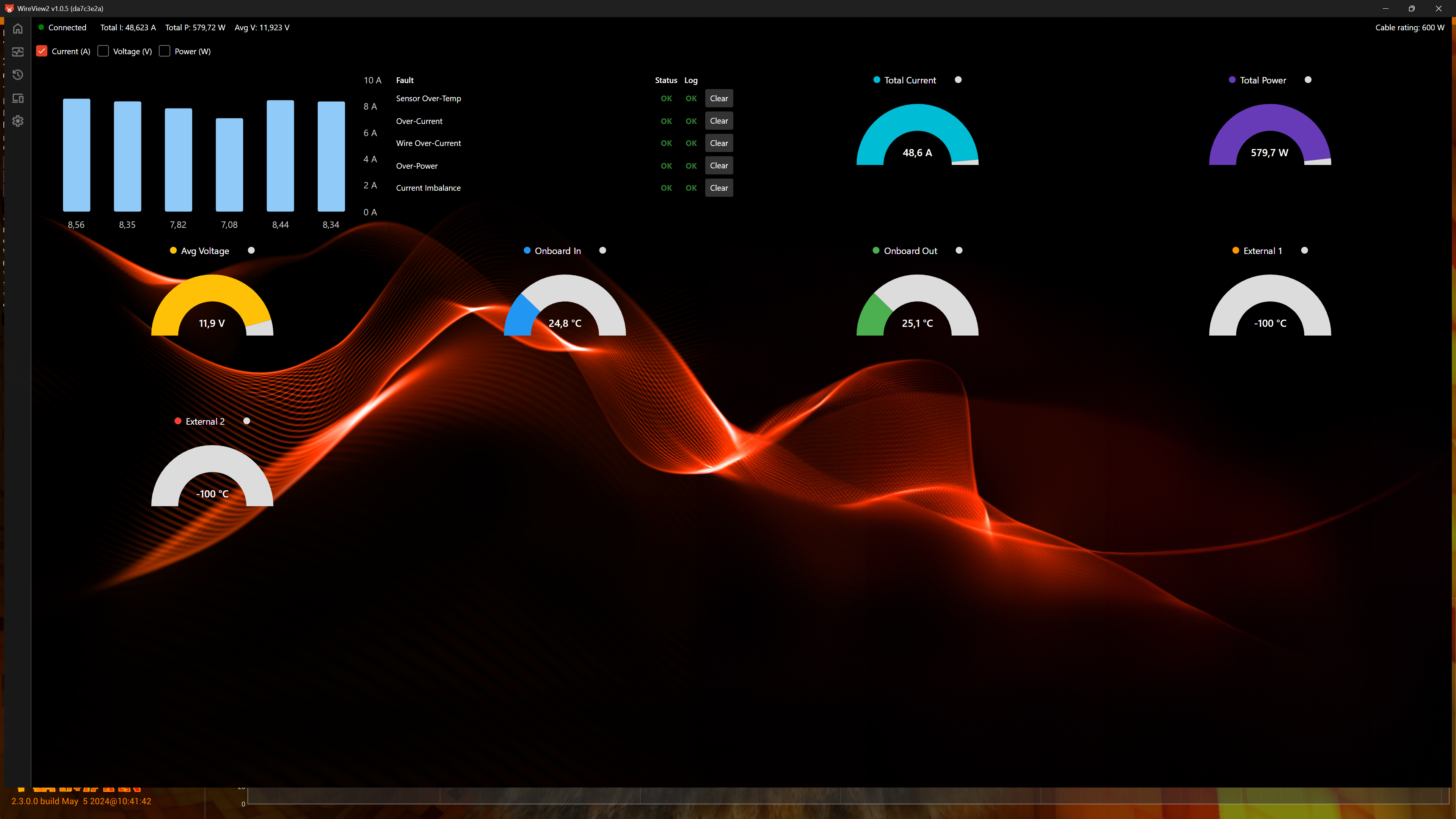
Overview:
- Display of voltage, currents, and power at the per-pin sensors
- Error display Overview of the currently measured values
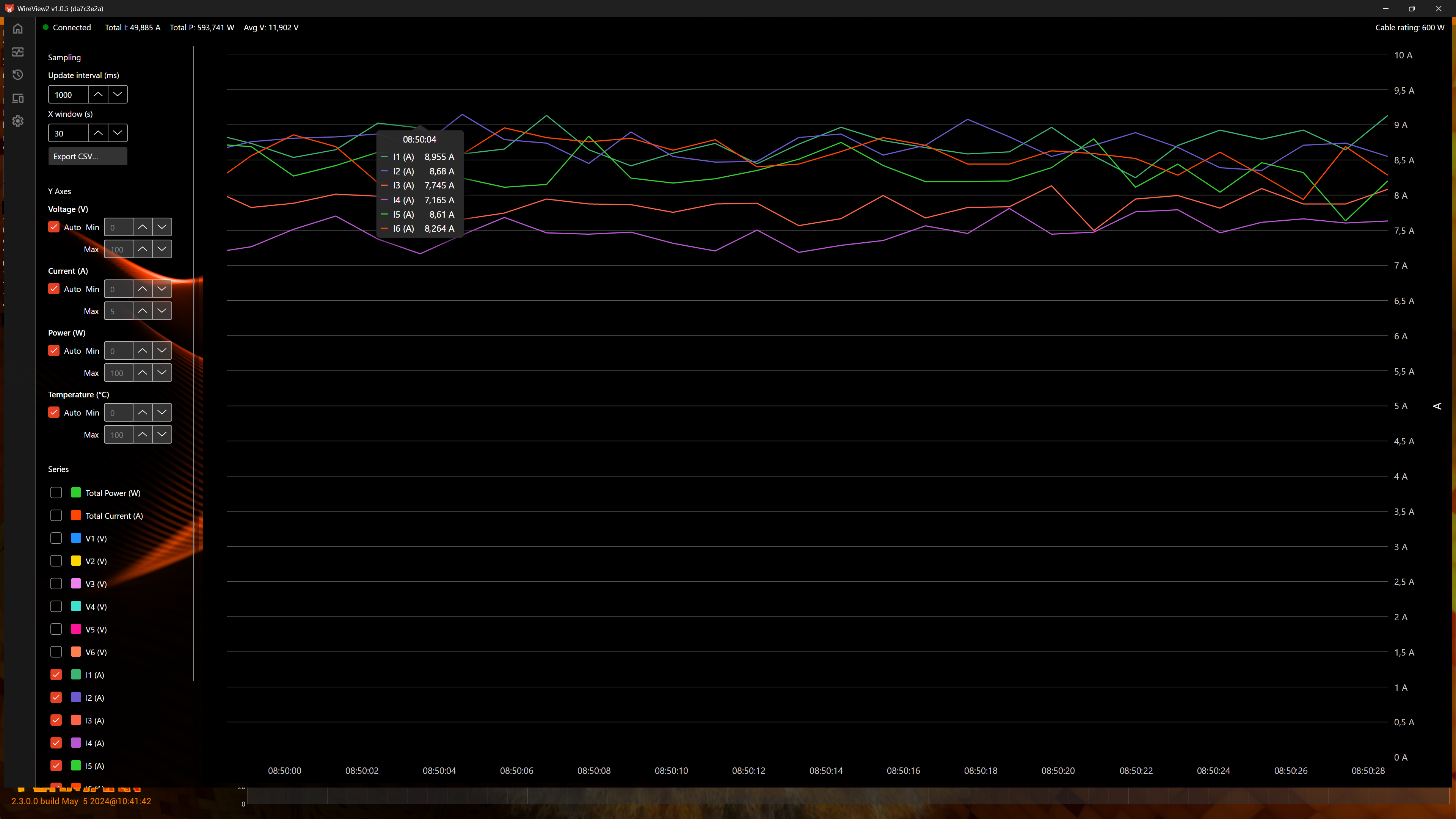
Monitoring:
- Charts of the measured values
- File export
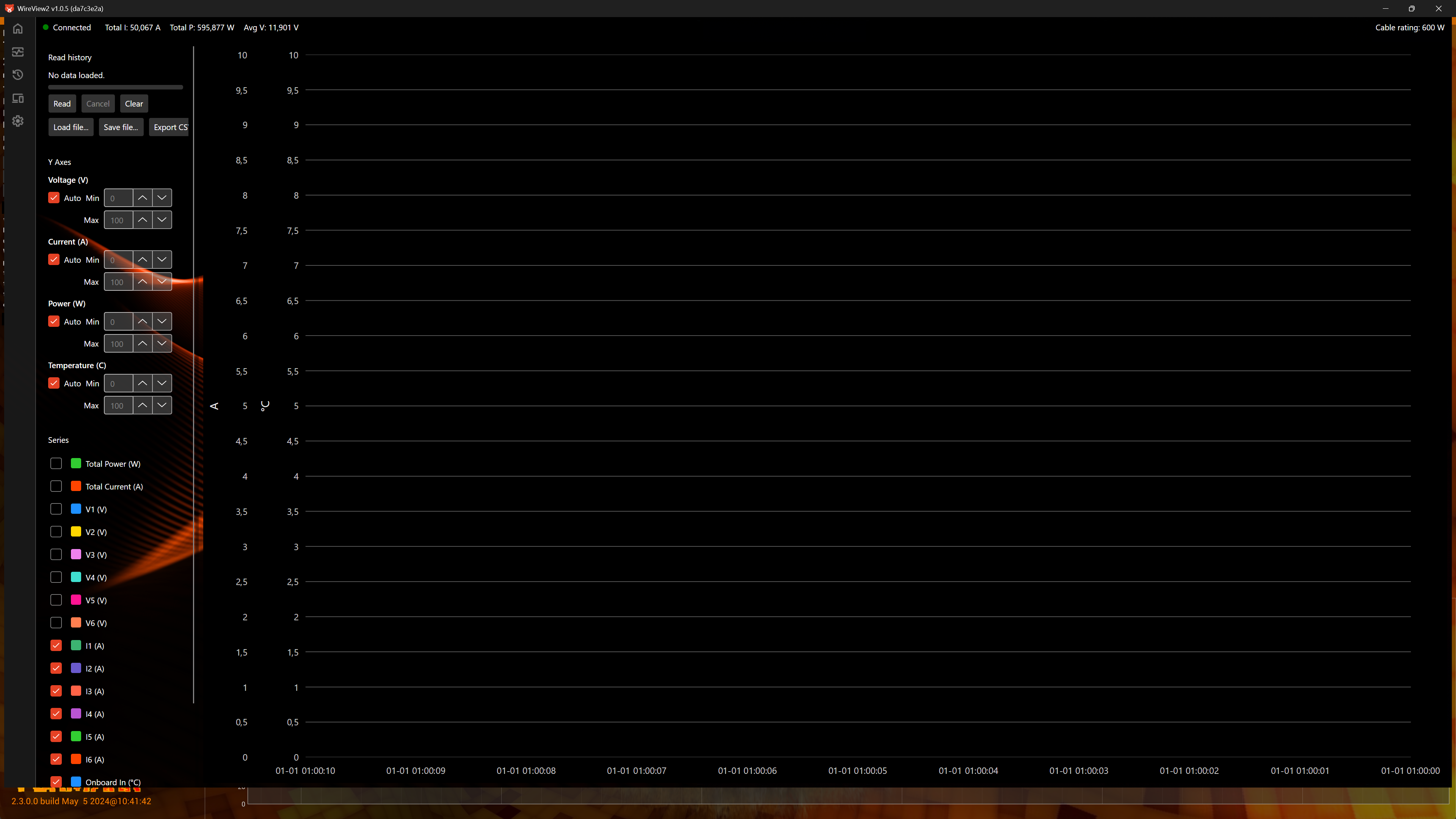
Logging:
- Reading and export of logged data
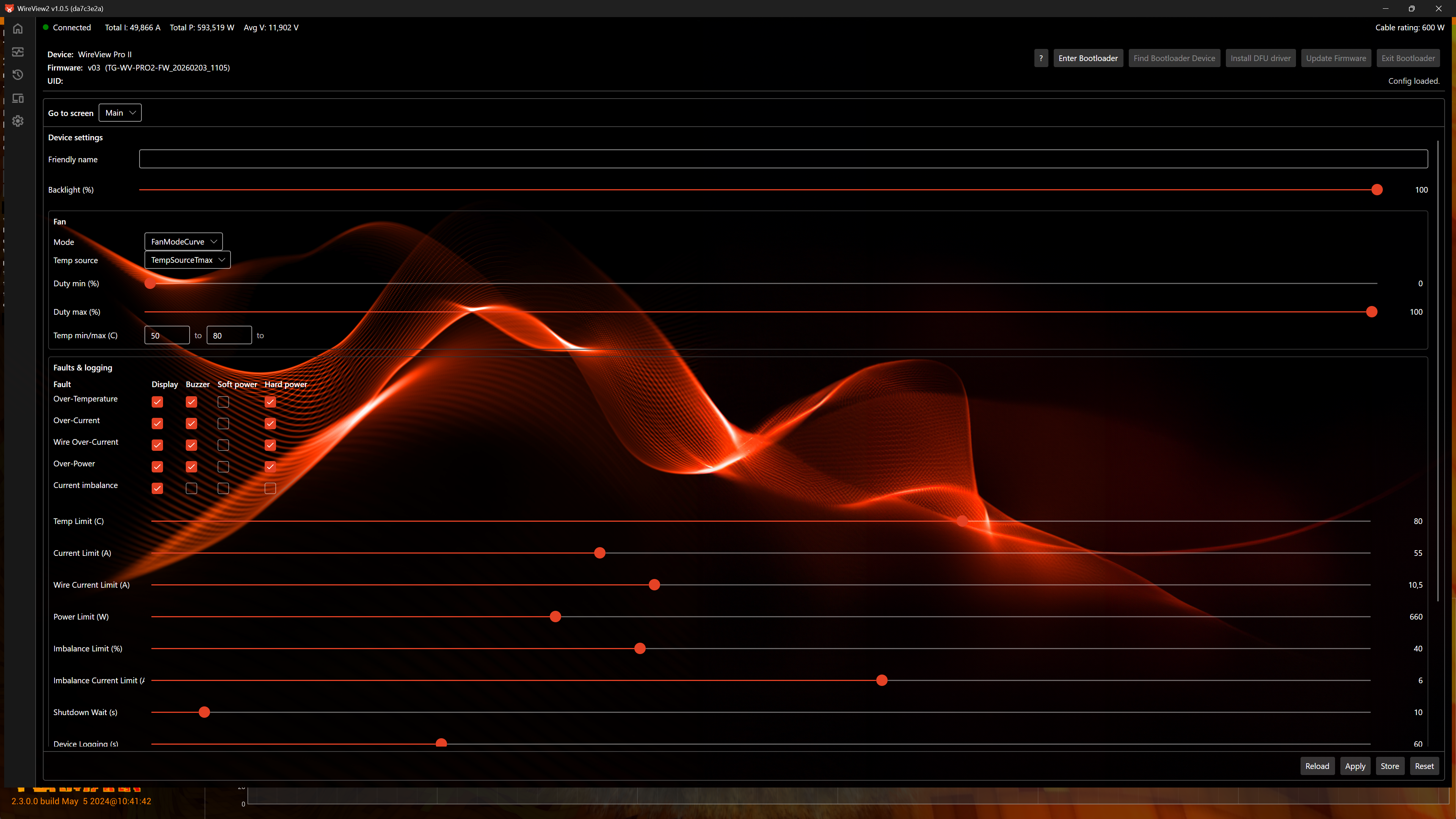
Device:
- Configuration of the error display
- Configuration of error threshold values
- Flashing the firmware on the WireView Pro II
Settings:
- WireView Pro II settings: fan, startup display
- Startup settings for the software
- Display customization
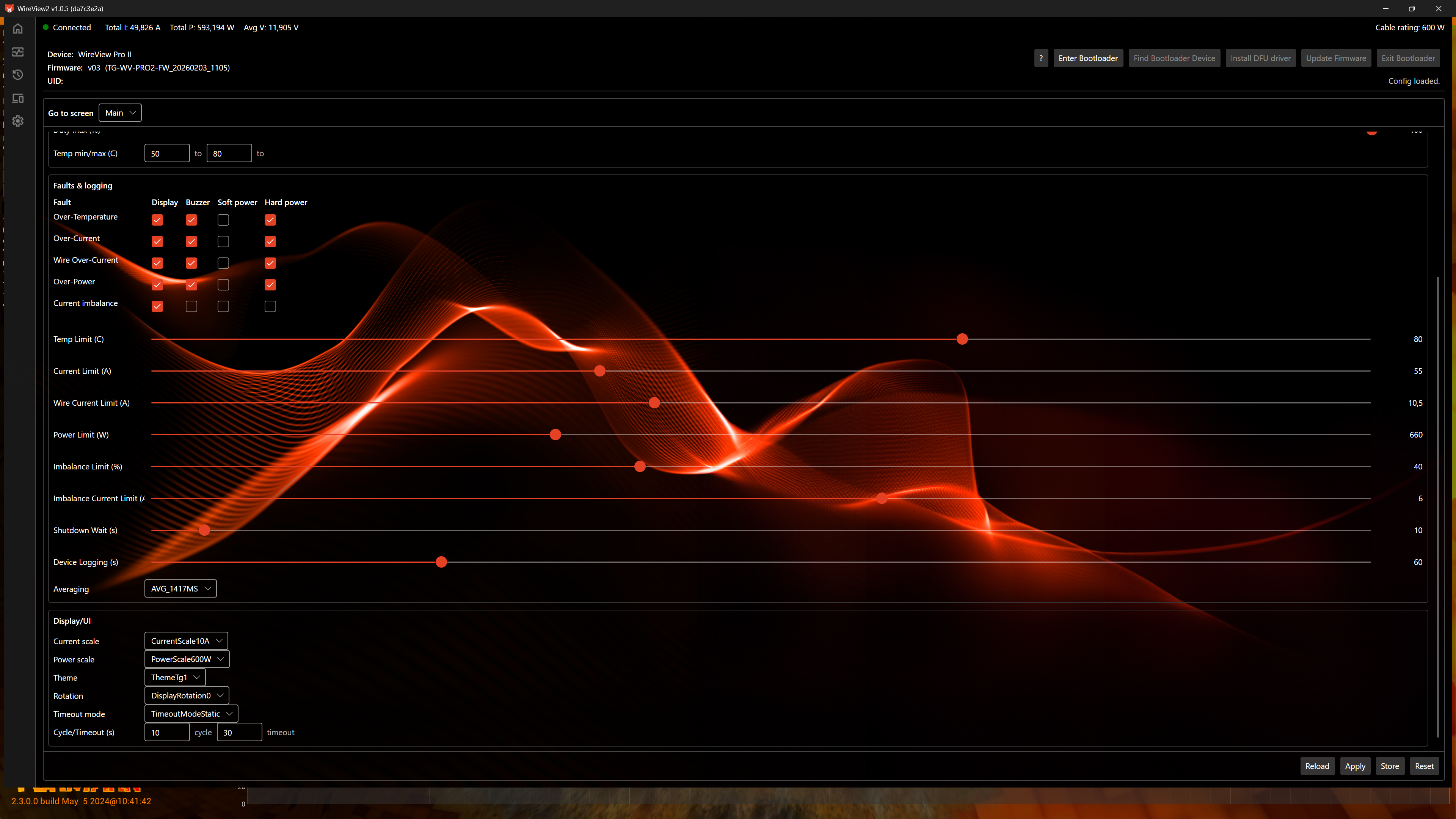

Firmware-Update
In parallel with the software launch, Thermal Grizzly is also releasing the first firmware update for the WireView Pro II. The firmware update is included in the software package and is transferred to the device via USB. For installation, the user must start the software and flash the firmware onto the device; afterwards, the software can be closed and removed, as it is no longer required. This update is optional; choosing not to install it does not affect the product warranty. However, to ensure smooth operation with the new software, Thermal Grizzly expressly recommends updating the device before using the software.
Main Improvements of the Firmware (v03):
- Enables full software control of the WireView Pro II, which was not possible with the originally preinstalled firmware.
- Optimized averaging calculation for more stable measurement values and reduced fluctuations
- Adjustment of the trigger thresholds for the current imbalance alarm from 30% at ≥ 5 A to 40% at ≥ 6 A per pin. The trigger compares the minimum and maximum pin current and is only activated if a pin exceeds 6 A and the relative difference between the pin currents is greater than 40%. This reduces premature warning messages caused by minor load fluctuations.
When flashing the firmware onto the WireView Pro II, all settings will be reset.