
Skip to main content Skip to search Skip to main navigation

Product information "Carbonaut"

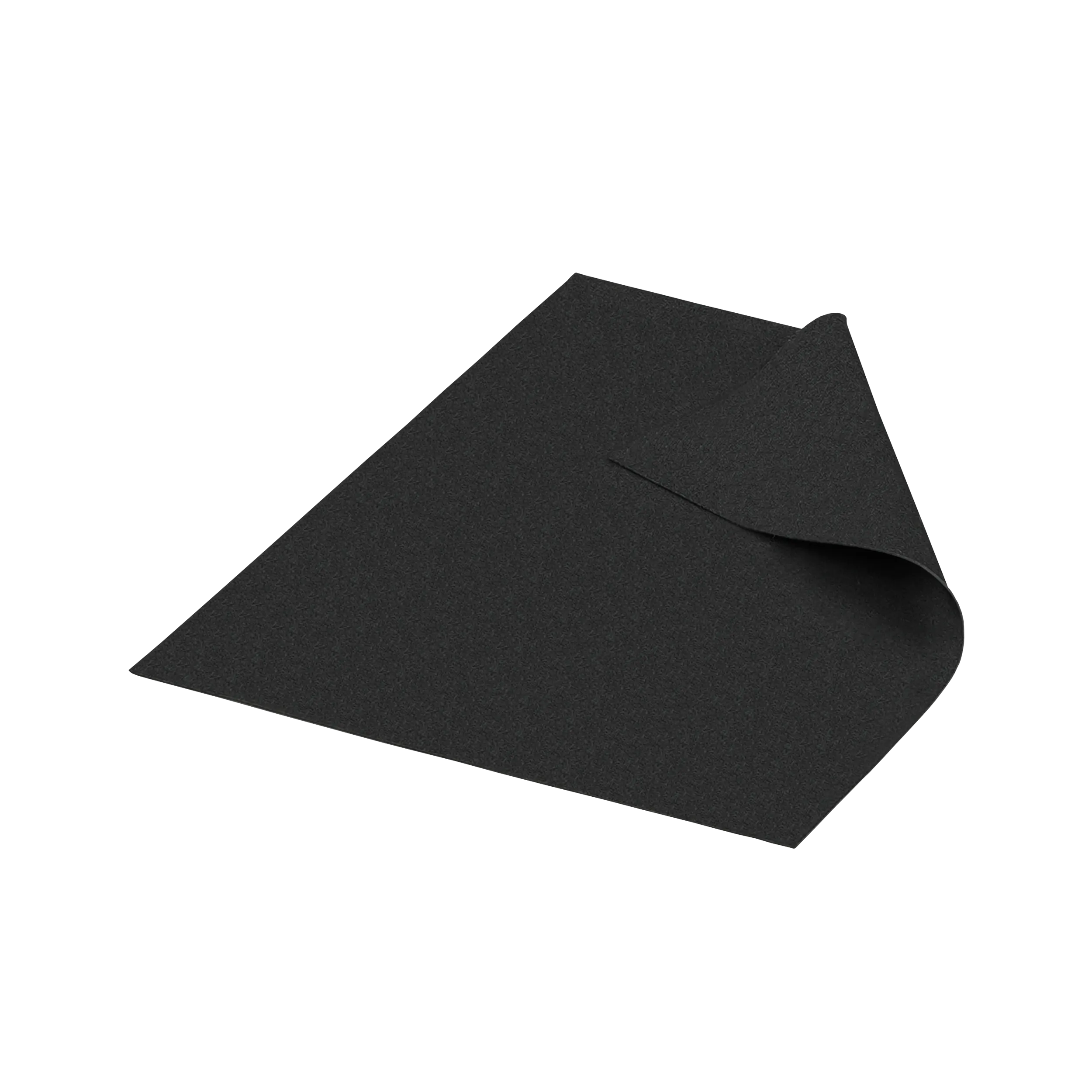
The high-tech carbon thermal pads of the Thermal Grizzly Carbonaut series are an excellent alternative to mid-range thermal pastes. They have a highly elastic and adaptable surface, allowing even the smallest component differences to be effectively compensated. Carbonaut provides high thermal conductivity with extreme long-term stability.

Properties

  • High thermal conductivity
  • Consistently high performance
  • Does not dry out
  • Flexible and easy to apply
1-Content_Carbonaut_US
2-Content_Carbonaut

Material Properties and Thermal Conductivity

The Thermal Grizzly Carbonaut sheet is a thermal sheet made from carbon fiber. Its specially developed polymer gives the thermal sheet its flexibility and "Soft Gap Filler" properties. The carbon fiber structure ensures outstanding thermal conductivity. Additionally, the Thermal Grizzly Carbonaut sheet offers high thermal conductivity, which it can already achieve with very low contact pressure. The Thermal Grizzly Carbonaut sheet maintains consistent thermal transfer performance.

Note

Carbonaut is electrically conductive!

no_hardening_TG
Does not dry out
thermal_conductivity_TG
High thermal conductivity
consistent _TG
Consistently high performance
electrically_conductive_TG
Attention: Electrically conductive!

Note on use with High Performance Heatspreaders and Direct-Die coolers

When thermal sheets such as Carbonaut and KryoSheet are used between the CPU die and the HPHS, insufficient mounting pressure may result in reduced heat dissipation. For Direct-Die coolers and the HPHS, the use of liquid metal between the CPU die and the cooler or HPHS is explicitly recommended.

Pre-cut Sizes for CPUs and GPUs

25 x 25 mm
Nvidia GPUs – e.g. RTX 2080
31 x 25 mmNvidia GPUs – e.g. RTX 2080 Ti
32 x 32 mmIntel Desktop CPUs (115x) – e.g. 6700K, 7700K, 9900K
38 x 38 mmIntel 20xx HEDT CPUs and AMD Desktop CPUs – e.g. 7900X, 7980XE, 2700X, 1800X, 6950X
51 x 68 mmAMD Threadripper CPUs – e.g. 1950X, 1920X, 2990WX
3-Content_Carbonaut

Carbonaut

Choose the size of Carbonaut according to the actual CPU or GPU contact area. A size guide for common CPUs and GPUs is available in the downloads section of the Carbonaut product page. The pad must completely cover the contact area to be cooled. If necessary, carefully cut it to size using sharp scissors or a blade and remove all loose offcuts. Avoid contact with electrically sensitive elements such as SMD components or exposed contacts. If necessary, protect them with TG Shield or TG Kapton Insulation Sheet.
Carbonaut is a dry alternative to thermal paste for low-maintenance, long-term use. KryoSheet and Carbonaut are electrically conductive. KryoSheet offers higher thermal conductivity, while Carbonaut provides a particularly flexible contact surface. PhaseSheet PTM, by contrast, is an electrically non-conductive phase-change material. Choose based on the contact area, mounting pressure and installation requirements. The temperature you can achieve depends on power consumption, the cooler, the contact surfaces and installation. A fixed temperature advantage over other thermal interface materials therefore cannot be specified for every system. Thermal Grizzly has not published general W/(m·K) ratings since the end of 2020. A single thermal conductivity value does not allow a reliable comparison of cooling performance, as the test method, temperature, mounting pressure and contact surfaces all affect the result.
Use Carbonaut as the sole thermal interface material between the two contact surfaces. An additional layer of thermal paste or liquid metal is not required. Place the pad on the clean, dry contact surfaces and install the cooler according to its instructions.
Carbonaut does not lend itself well to reuse. We therefore advise against reusing it after removal and recommend a new sheet when changing the cooler. Removing and repositioning the material can damage or deform it, so unchanged cooling performance cannot be guaranteed. Visible tears, holes or sharp creases are reasons to replace it. Remove all loose conductive particles. If the sheet arrived damaged, document its condition before installation and contact your local retailer or Thermal Grizzly.
Available instructions, technical data sheets, safety data sheets and conformity documents for Carbonaut can be found in the downloads section of the product page. Check the exact product name and item number. A technical data sheet does not replace a safety data sheet. If a document or language version is missing, tell us the item number and which document you need.
Carbonaut is electrically conductive. The sheet must not touch exposed contacts or adjacent components that are electrically sensitive. If necessary, protect them with TG Shield or TG Kapton Insulation Sheet outside the thermal contact area. Remove all loose offcuts.
Carbonaut may be suitable for CPU or GPU contact surfaces in a laptop, provided the cooler sits flat and the available mounting pressure is sufficient. Remember that it is electrically conductive and keep the sheet away from adjacent components. Larger gaps, such as those around VRAM or VRMs, must be filled with thermal pads or putty.
Check the size and position of Carbonaut, ensure the contact surfaces are clean, and verify that the cooler is seated correctly. Carbonaut requires some mounting pressure for good results and even contact with both surfaces. Also check the fans or the pump in liquid-cooled systems, and compare temperatures at the same room temperature and power consumption. The sheet must not have slipped or become creased. Unsuitable insulation must not create a gap between the contact surfaces. Follow the cooler manufacturer's specified mounting forces. Tightening further does not compensate for an incorrect setup.
Work on a level surface and place Carbonaut on the side that will not move during installation. For example, place it on the CPU with the motherboard lying horizontally, and move only the cooler when fitting it. The contact surfaces must be clean and dry. Lower the cooler into place without sliding it sideways, and check that the electrically conductive pad does not touch any adjacent contacts. Do not use untested adhesives, oils or an additional layer of paste to hold it in place. A small amount of thermal paste at the corners can work well as a positioning aid.
Carbonaut is flexible and can work well even at relatively low mounting pressure. Nevertheless, both contact surfaces must sit evenly against it. It is not a replacement for a thermal pad several millimeters thick. The permissible mounting forces for your cooler and the component being cooled remain the governing limits. Carbonaut can work well at mounting pressures of 0.1 N/mm² and above.
Carefully lift Carbonaut off the contact surface and avoid pulling on the edges. Then clean the CPU or GPU and the cooler with a material-compatible cleaner and a lint-free cloth, for example TG Cleaning Wipes. Do not wash or soak the sheet itself in an attempt to restore it. Remove all loose conductive particles.
Carbonaut does not dry out like conventional thermal paste and can remain in the system long term if correctly installed and left undisturbed. Routine replacement after a fixed number of years is not intended. When disassembling, mechanical damage and contamination must be taken into account.
Carbonaut can work well on GPUs with low to moderate power consumption and power density. For high-end graphics cards, KryoSheet or PhaseSheet PTM should be used as an alternative. Carbonaut is not suitable for direct-die CPU applications.
Color: black
Electrically insulating: No
Operating temperature: -250°C to +150°C
Size: 25 x 25 mm
Thickness: 0.2 mm

Goes perfectly with it:

Skip product gallery
TG Cleaning Wipes
TG Cleaning Wipes

Wet and dry cleaning wipes for cleaning surfaces

Regular price: $12.75
TG Remove
TG Remove

Effective acetone-based nano-cleaner for removing thermal paste and liquid metal

Regular price: $13.92
TG Shield
TG Shield

High-temperature protective coating, protects against liquid metal, thermal paste, and short circuits

Regular price: $13.92